vBrowser
Ferro’s vBrowser is a web-based 3D digital-twin platform designed for shipyards and maritime companies. It allows users to visually navigate through a complete 3D model of a vessel, directly in their browser — without installing any heavy CAD software.
The core purpose is to make the digital twin of a ship accessible, interactive, and information-rich across the entire organization — from engineering and production to maintenance and operations.
Key Capabilities:
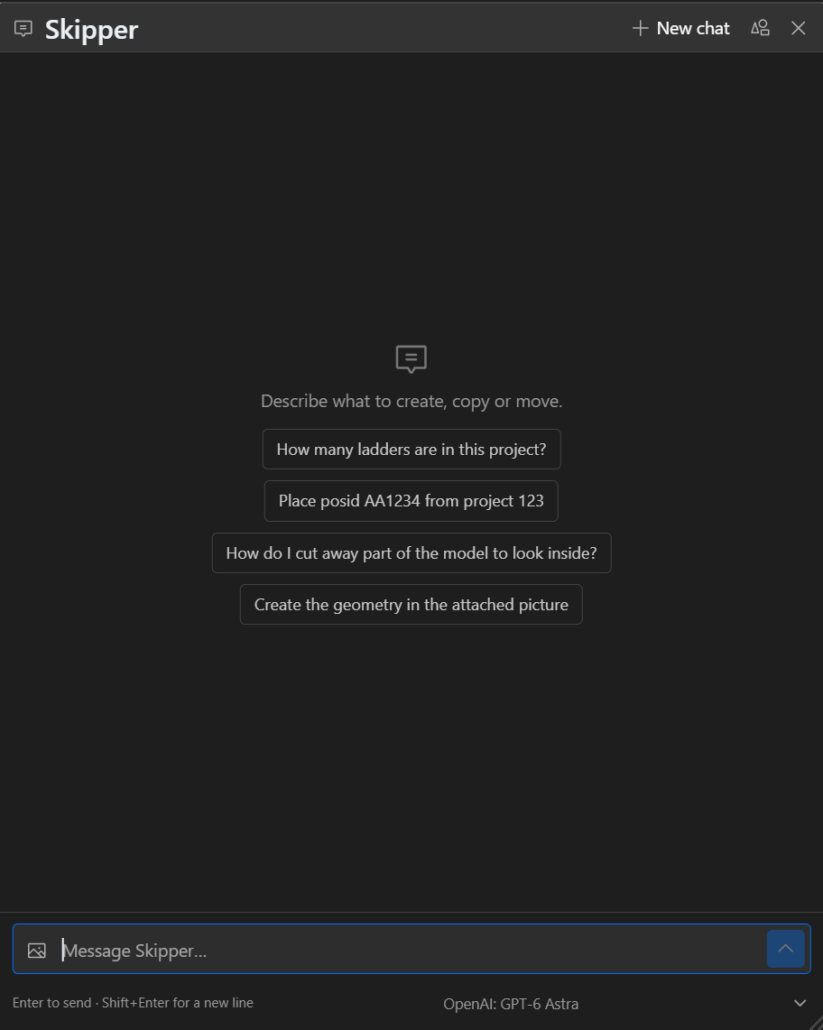
🧠 Skipper – Integrated AI Assistant: Interact with the model using natural language. Ask questions, execute commands, automate tasks, and generate or modify geometry and or data — reducing the need for complex menus and manual interactions.
🛰 3D Navigation: Move through the vessel’s digital twin in real-time using a web browser.
📂 Information Layering: Link 3D components to live technical, logistical, or document data (e.g., from ERP, PLM, or Dataverse systems).
🔗 Integration Hub: Acts as a bridge between 3D models (e.g., Cadmatic, ShipConstructor, HiCAD, Solidworks) and enterprise systems (Microsoft, AFAS, Trimergo, SharePoint, Power Platform, etc.).
🧭 Contextual Access: View or edit data (drawings, work orders, measurements, etc.)
⚙️ Collaboration Tool: Supports multiple stakeholders—designers, engineers, yard managers, subcontractors and clients—through a shared digital model.
🛠 Scalable Architecture: Long-term maintainable projects for tracking vessel configuration, retrofits, and lifecycle data.